Christmas ideas / Tutorial
Little Motifs · Project guide
How to Make Christmas Gift Tags with PNG Clipart
A small gingerbread illustration turns a plain gift tag into something personal. This project uses the free Little Motifs cookie PNG, so you can try the files before choosing a collection.
Use a transparent PNG as an illustration on your tag, then add your own text. The free cookie has a 1254 × 1254 pixel canvas; at a 1.2 inch placement it has enough pixel detail for this small project. Transparent margins mean the painted cookie is smaller than its full canvas.
What you need
- The free gingerbread-cookie PNG, unzipped from the sample download
- A design editor that imports transparent PNGs
- Cardstock, scissors, a hole punch and string
Try the free gingerbread PNG or browse the collections below. Paid packs are not available yet.
1. Start with a 2 × 3.5 inch tag
Create a portrait page measuring 2 inches wide and 3.5 inches high. Keep text and artwork at least 0.15 inch inside the edge, and leave space near the top for a punched hole.
2. Import the original PNG
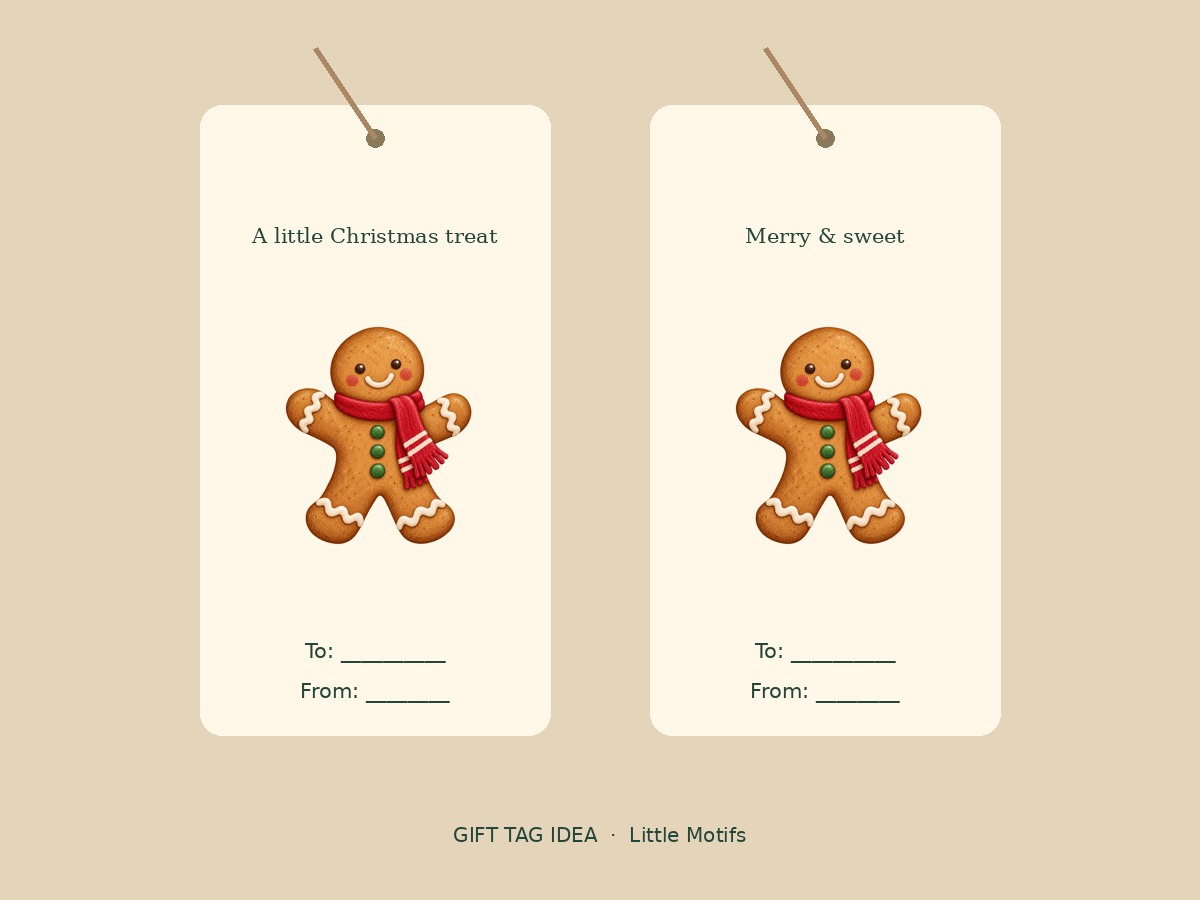
Upload gingerbread-cookie.png from the PNG folder. Place it in the lower half of the tag at about 1.2 inches wide. The transparent background lets your chosen paper color show around the cookie.
3. Add a short message
Set “A little Christmas treat” above the artwork, with a To / From line underneath. Check that the text remains readable at actual size. Fonts and editable tag templates are not included in the download.
4. Print a test before the whole sheet
Export at print quality using your editor’s settings. If you place several tags on a sheet, leave cutting space between them. Print at actual size, cut one tag and check it before repeating.
File size and printing
The individual illustrations are RGB PNGs with transparent backgrounds. Native dimensions vary and are listed on each pack page. A larger export or a 300 ppi setting does not create more detail. Patterns and compositions are separate arrangements, not extra individual illustrations.
Can I sell the finished design?
The single-user license allows commercial finished projects. Do not resell, share or expose the source artwork. Check the full license before offering templates or digital products.
Artwork for this project
- Christmas Bakery Clipart — 20 illustrations, two transparent PNG patterns and one composition.