Christmas ideas / Tutorial
Little Motifs · Project guide
How to Design a Christmas Cookie Exchange Invitation
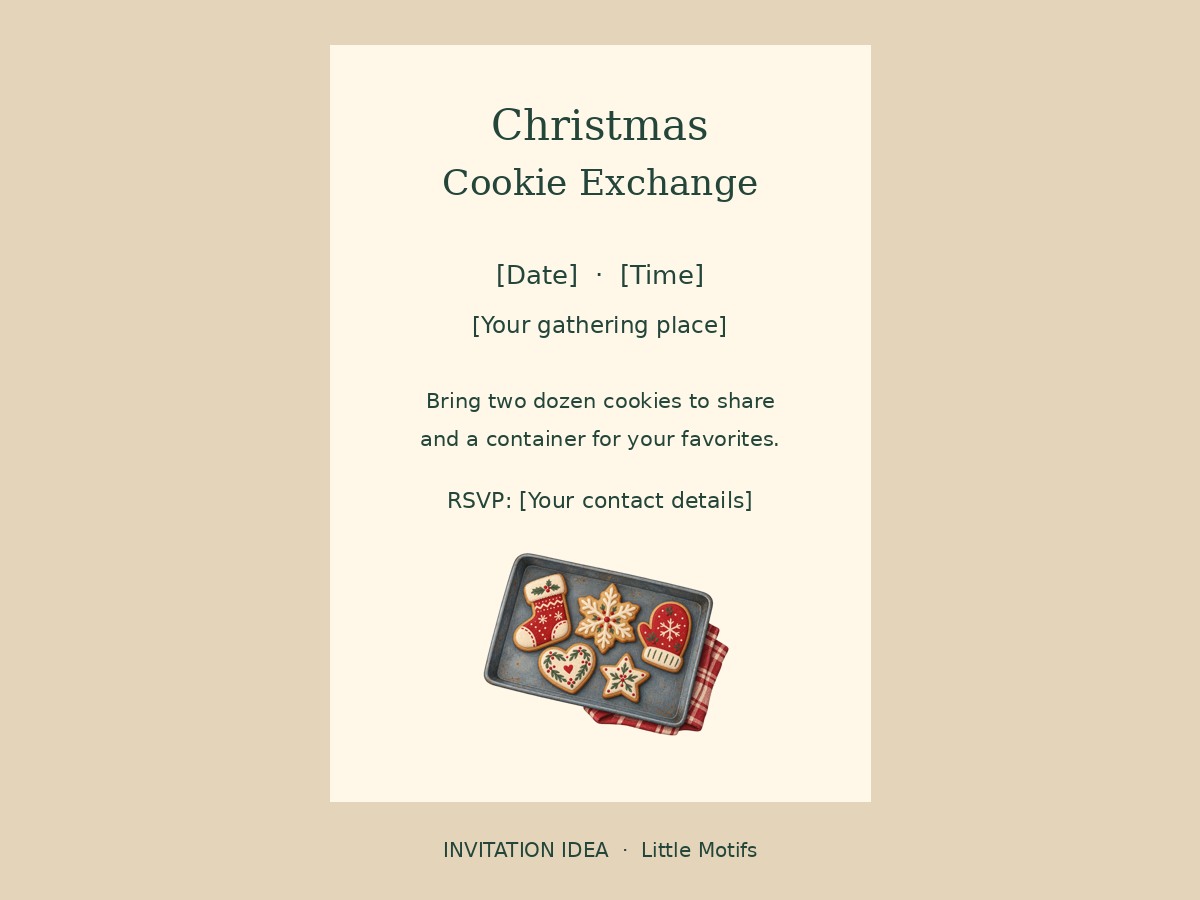
A cookie exchange invitation needs to tell guests what to bring as clearly as it sets the mood. Use a small baking illustration as the finishing touch and give the practical details most of the space.
For a cookie exchange invitation, lead with the event name, date, place, RSVP and how many cookies to bring. Add transparent baking clipart as a small accent rather than replacing the practical information.
What you need
- Christmas Bakery PNG artwork, such as a cookie tray or gingerbread cookie
- A design editor and a 5 × 7 inch page
- Your date, location, RSVP details and instructions for guests
Try the free gingerbread PNG or browse the collections below. Paid packs are not available yet.
1. Write the event details first
Draft the date, time, address and RSVP deadline. Decide how many cookies each guest should bring, whether to bring containers, and whether recipes will be shared. Leave room for ingredient or allergen information appropriate to your guests.
2. Build a simple text hierarchy
Use “Christmas Cookie Exchange” as the largest line. Put the date and location next, followed by the bring-and-share instructions. The invitation should still make sense without the illustrations.
3. Add a small festive baking motif
Place a transparent cookie tray near the bottom at around 2.5 inches wide, or use the free gingerbread cookie at a smaller size. Keep it clear of the address and RSVP line.
4. Proofread at actual size
Check every date, time and address. Print one copy at 100 percent and check that the smallest text reads comfortably. Use your printer’s export and bleed settings if printing professionally.
5. Share the finished design
Export a flattened image for a digital invitation, or a print-ready file for your printer. The license permits finished designs, but not sharing source PNGs or an editable template that exposes the artwork.
File size and printing
The individual illustrations are RGB PNGs with transparent backgrounds. Native dimensions vary and are listed on each pack page. A larger export or a 300 ppi setting does not create more detail. Patterns and compositions are separate arrangements, not extra individual illustrations.
Can I sell the finished design?
The single-user license allows commercial finished projects. Do not resell, share or expose the source artwork. Check the full license before offering templates or digital products.
Artwork for this project
- Christmas Bakery Clipart — 20 illustrations, two transparent PNG patterns and one composition.
- Cozy Christmas Clipart — 20 illustrations, two transparent PNG patterns and one composition.